


Expense Tracker App

Expense tracking without manual entry

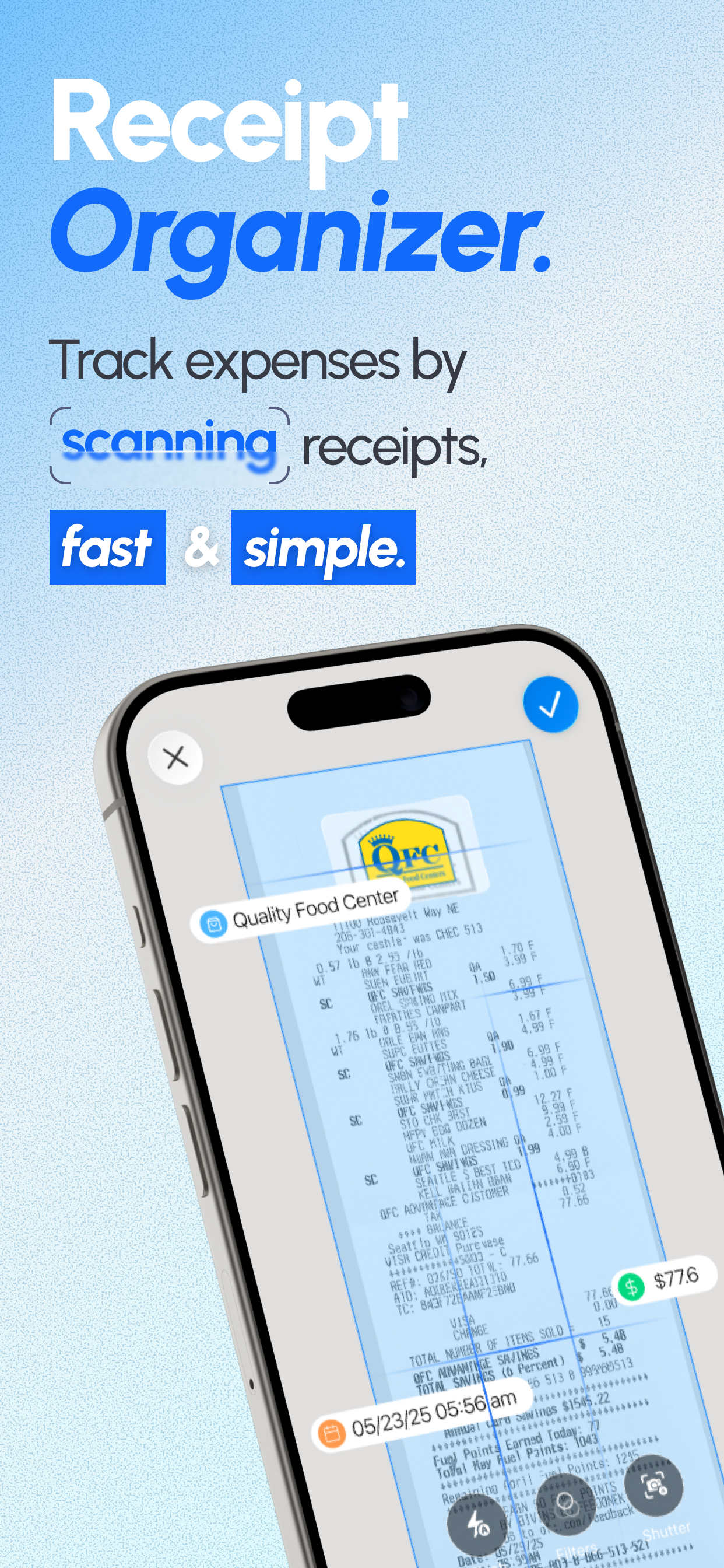
Snap any business receipt and ReceiptGenie calculates totals, discounts, taxes, and currency right away. The app keeps every expense compliant so reimbursements close on time.

App Icon

Use ReceiptGenie as your expense tracker for free on iOS.

Download on the App Store
  • 95%+ OCR Accuracy
  • Detects Currencies
  • Reads Tax & Discounts
  • Automatic Tag Suggestions
  • Auto Expense Summaries
  • CSV & PDF Exports
  • Expense tracker workflow
  • ReceiptGenie app screenshot 2
  • ReceiptGenie app screenshot 3
  • ReceiptGenie app screenshot 4

Discover why ReceiptGenie is the Expense Tracker App teams trust

  • 95%+ Accurate Receipt Scans

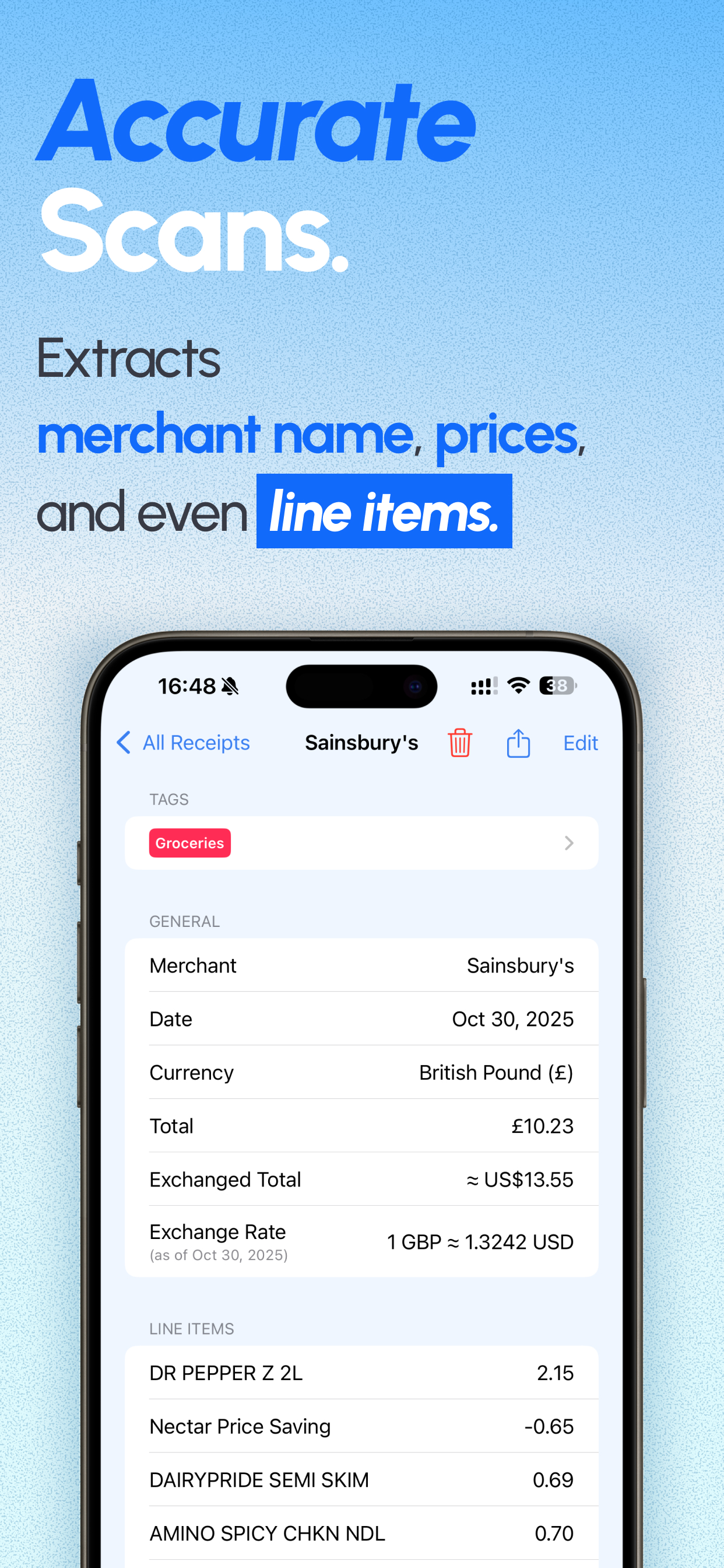
    ReceiptGenie reads itemized receipts with enterprise-grade OCR. The app understands merchant names, totals, subtotals, and tips on even the longest grocery or hotel receipt without manual edits.

  • Automatic Currency & Tax Detection

    Our AI figures out the correct currency, regional tax rate, and VAT-style formatting instantly. Mixed-currency trips still get perfect totals.

  • Discount & Tip Recognition

    Capture coupons, service charges, and promotions without doing the math yourself. ReceiptGenie highlights savings so approvals go faster.

  • AI Tagging & Categorization

    Suggested tags appear automatically based on merchant, location, and spend pattern. Customize categories once and every future receipt follows suit.

  • Real-Time Expense Summaries

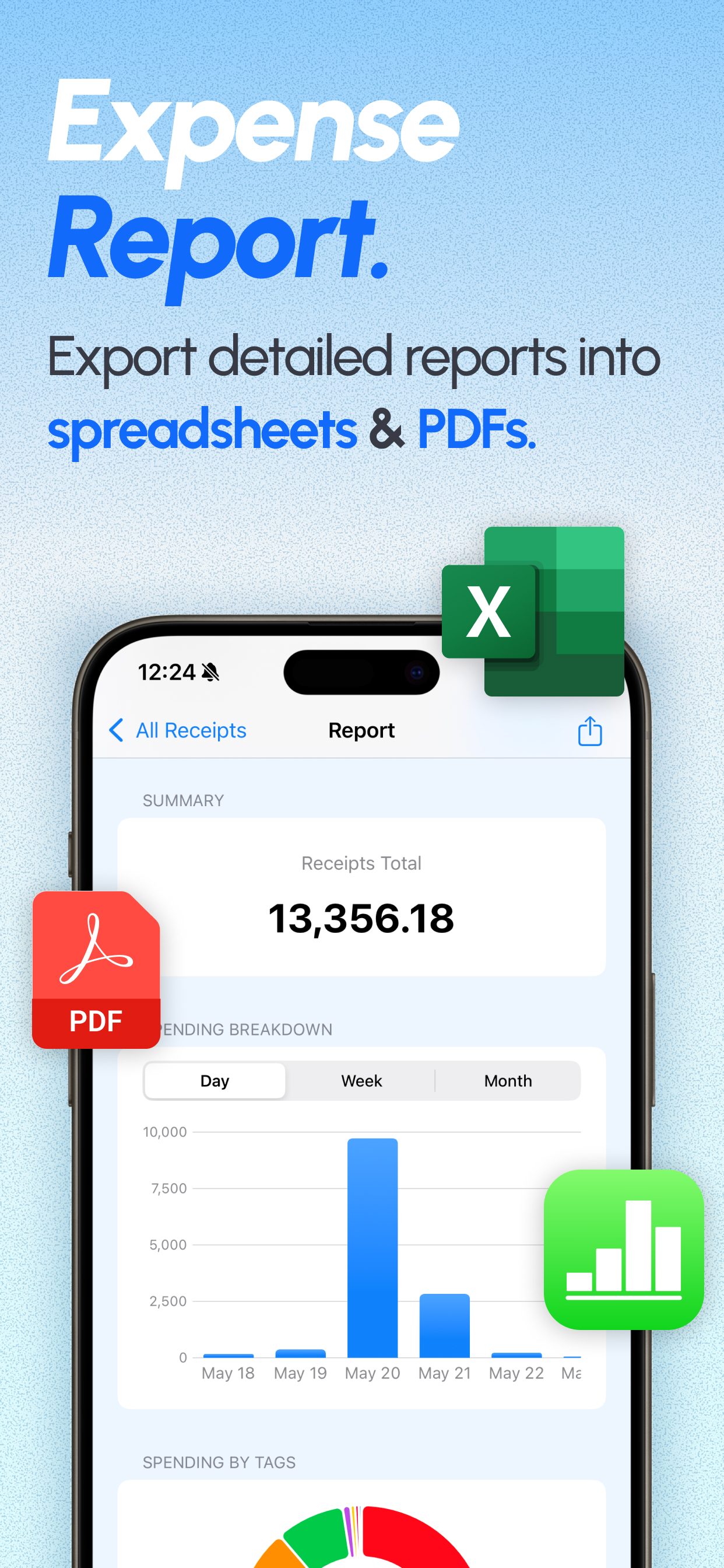
    Watch budgets, client projects, or tax categories update in real time. Monthly rollups happen automatically as soon as a receipt is scanned.

  • Report-Ready CSV Exports

    Export perfect CSVs for Excel, Numbers, or accounting software with the original receipt attached. No reformatting required.

Stay compliant with every policy

Our AI flags totals that exceed policy limits and highlights missing fields before finance sees the receipt.

  • Built-in reminders for per-diem and mileage rules
  • Automatic detection of multi-tax invoices
  • Attach notes for clients, trips, or events

Currency, tax, and discount awareness

ReceiptGenie understands multi-currency travel and complex tax codes, so expense reports match what finance expects.

  • Auto-converts currency with live rates
  • Captures VAT, GST, and state/provincial taxes
  • Separates discounts from reimbursable totals

Reimbursement-ready reports

One tap creates project, department, or monthly reports with the source receipts embedded.

  • CSV exports include tags, notes, and currency
  • Share PDF packets with finance or clients
  • Keep an archive for audits or grant reporting

I need to scan a lot of receipts every day for expenses. ReceiptGenie helps me generate the total I spent each month. No more manual reporting!

Janice

I run a small hotel and I used to record expenses by hand, which was very tedious. ReceiptGenie makes it so much easier for me to keep track of our expenses.

Julia

I have tried 3 or 4 other apps, some even from big companies. ReceiptGenie is by far the best in the App Store. You could get rid of the rest!

Joshua

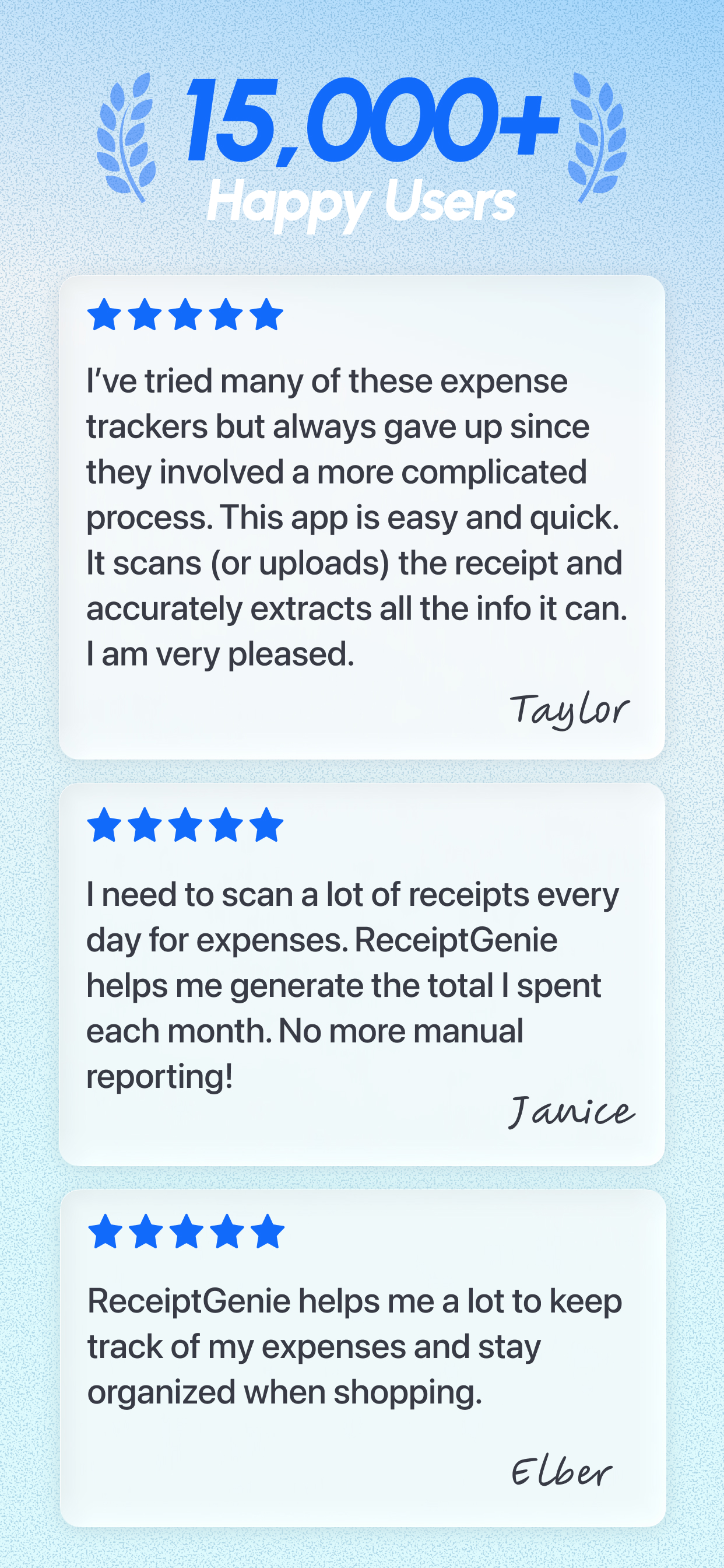
I've tried many of these expense trackers but always gave up since they involved a more complicated process. ReceiptGenie is easy and quick. I am very pleased.

Taylor

ReceiptGenie helps me a lot to keep track of my expenses and stay organized when shopping.

Elber

The majority of my transactions involve credit cards and it's so nice to be able to record these receipts so easily. I highly recommend ReceiptGenie for organizing receipts.

Christian

Frequently Asked Questions

  • How accurate is the ReceiptGenie scan?

    ReceiptGenie delivers 95%+ accuracy on real-world receipts, including long grocery, travel, and hospitality slips. The app double-checks subtotals and totals so you can trust the numbers in your reports.

  • Can the app detect different currencies and tax formats?

    Yes. ReceiptGenie recognizes the local currency, tax percentage, and VAT style automatically. Mixed currency trips or cross-border shopping still get accurate conversions and totals.

  • Does ReceiptGenie capture discounts, tips, or promotions?

    Our AI looks at the entire receipt, not just the grand total. It flags discounts, coupons, tips, and service charges so reimbursements stay accurate.

  • How are receipts organized once they are scanned?

    ReceiptGenie suggests tags instantly based on merchant, keywords, and past activity. You can keep the AI suggestions or add your own tags for clients, projects, and budgets. Everything stays searchable.

  • Can I export receipts for accounting or reimbursement?

    Absolutely. Select receipts from the Receipts or Statistics tab, add them to a report, and then export that report to CSV for Excel or share summarized PDFs. For a step-by-step walkthrough, see Export Receipts to CSV or Excel.

  • Why does an upload show as delayed if I have unlimited uploads?

    ReceiptGenie subscriptions include unlimited uploads, but we protect the service with soft limits. If a batch hits that safety net, contact support@receipt-genie.com and we'll review your account to lift the soft limit or fast-track the upload.

Can't find the answer you're looking for? Reach out to our customer support team.

Streamline expense tracking

Install ReceiptGenie to capture compliant expenses with AI accuracy and instant exports.

Free download available today. Paid tiers unlock higher scan limits.

Download on the App Store

More ways to use ReceiptGenie

Browse landing pages for scanners, trackers, and workflows powered by 95%+ AI accuracy.